Single Sign-On(SSO) or sso.kenyon.edu is Kenyon's authentication system to log into online resources. When you log into a web resource protected by SSO, you are automatically redirected to sso.kenyon.edu, to log in. The login page looks like this:
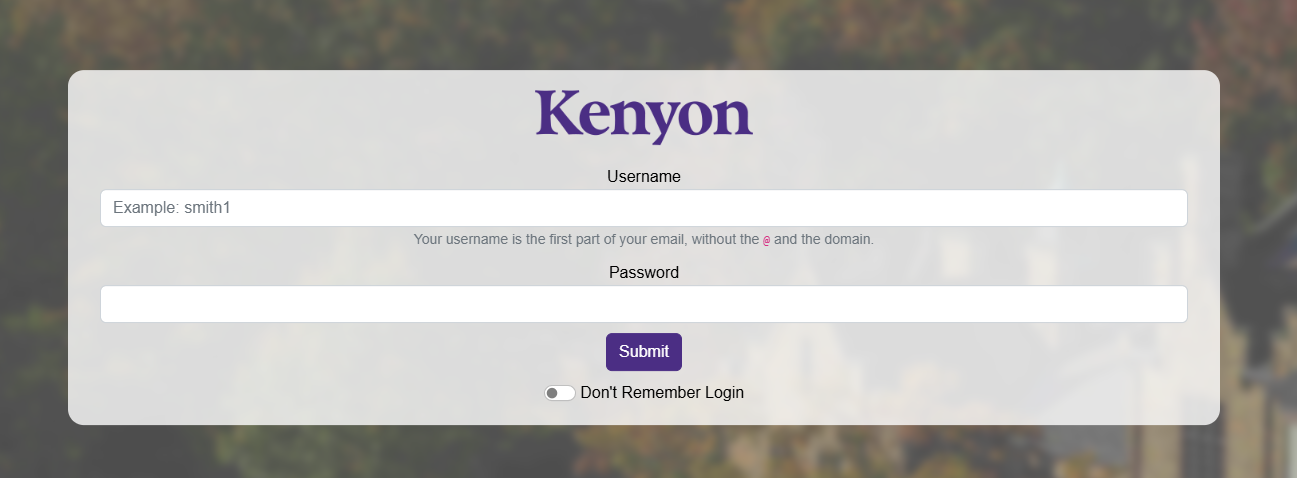
After you log in, you are automatically redirected back to the online resource you requested.
FAQ
How do I log out of SSO?
Your SSO authentication session will time out after 30 minutes. To log out of SSO, you must close all browser windows and tabs.
Is my password shared with the service provider I'm logging in to?
No. Your password is validated by Kenyon's SSO server using something called hashing.
What is sent to the website service provider I am signing into?
Your name and username is sent to the website service provider. The website service provider uses that information to customize your experience and level of access.
How do I know I'm logging into the real SSO site and not a fake page trying to steal my password
The address bar at the top of the page should show you are connected to https://sso.kenyon.edu. Also, there should be a green padlock with a valid SSL security certificate.
What does the "Don't Remember Login" checkbox do?
Checking the "Don't Remember Login" checkbox will require you to enter a password the next time you log into a SSO protected service.